AI virtual try-on: how it works and what to expect
How AI virtual try-on works, what a selfie and a full-length photo are for, why results differ between apps, and how to get the most realistic looks of yourself.
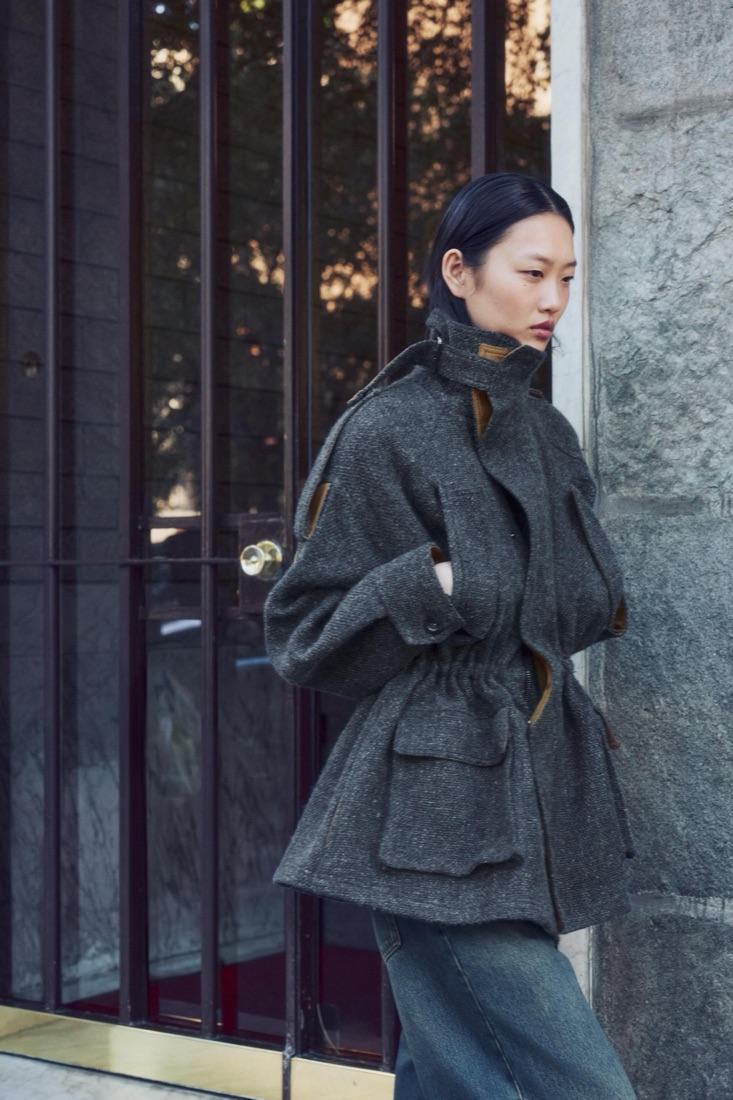
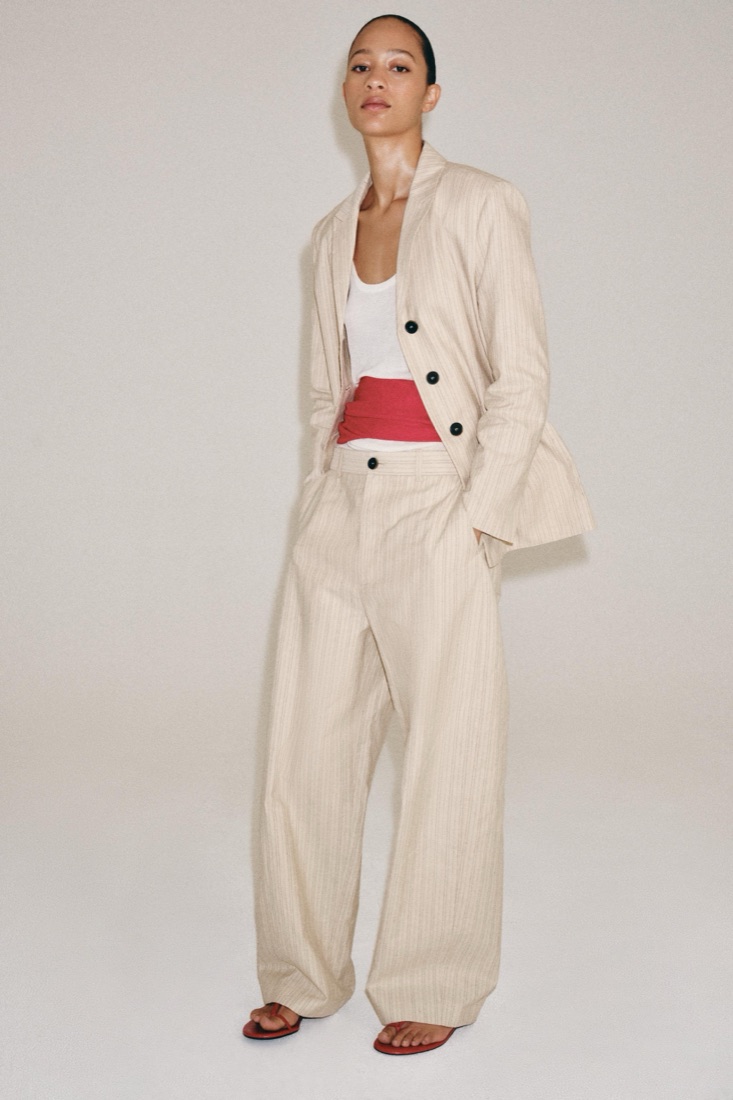
Virtual try-on used to mean a cut-out jacket pasted on a photo. AI changed that: today a model can render a whole outfit on you, with the right drape, light and pose. Here is what happens inside, in plain words.
What the photos are for
A selfie tells the model what your face looks like from the front, in good light. A full-length photo tells it your height, build and proportions. With both, it can keep you recognisable while changing everything you wear. More photos from different angles help it keep your face steady in every look.
Where the clothes come from
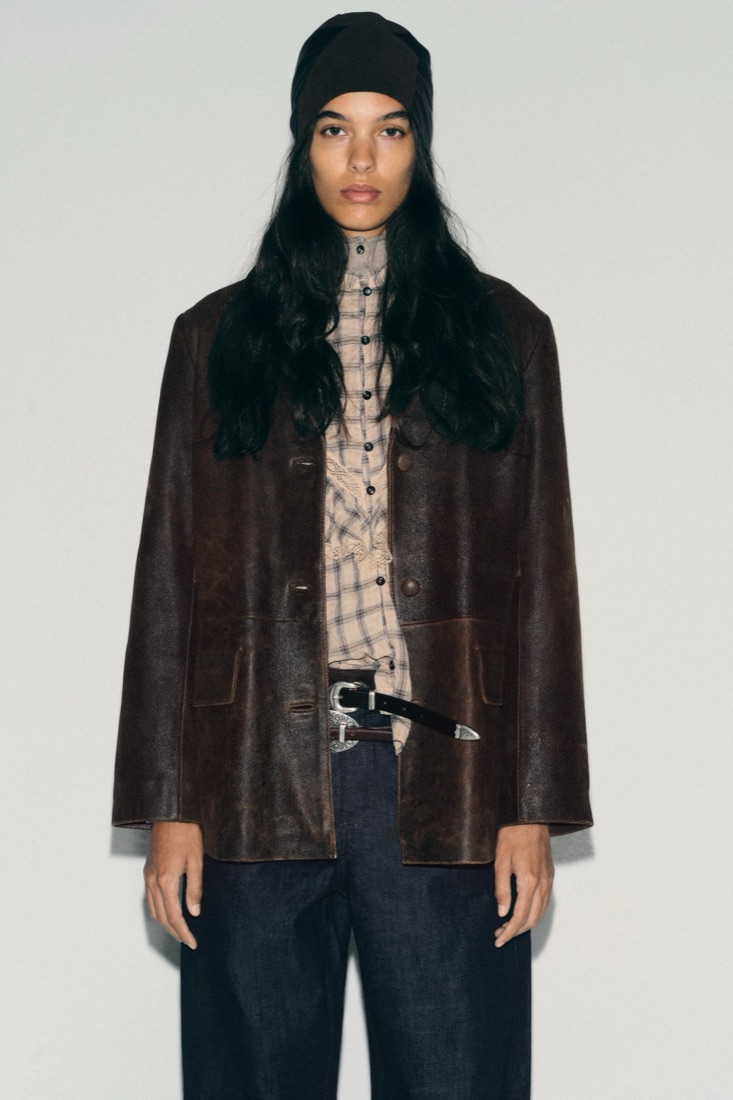
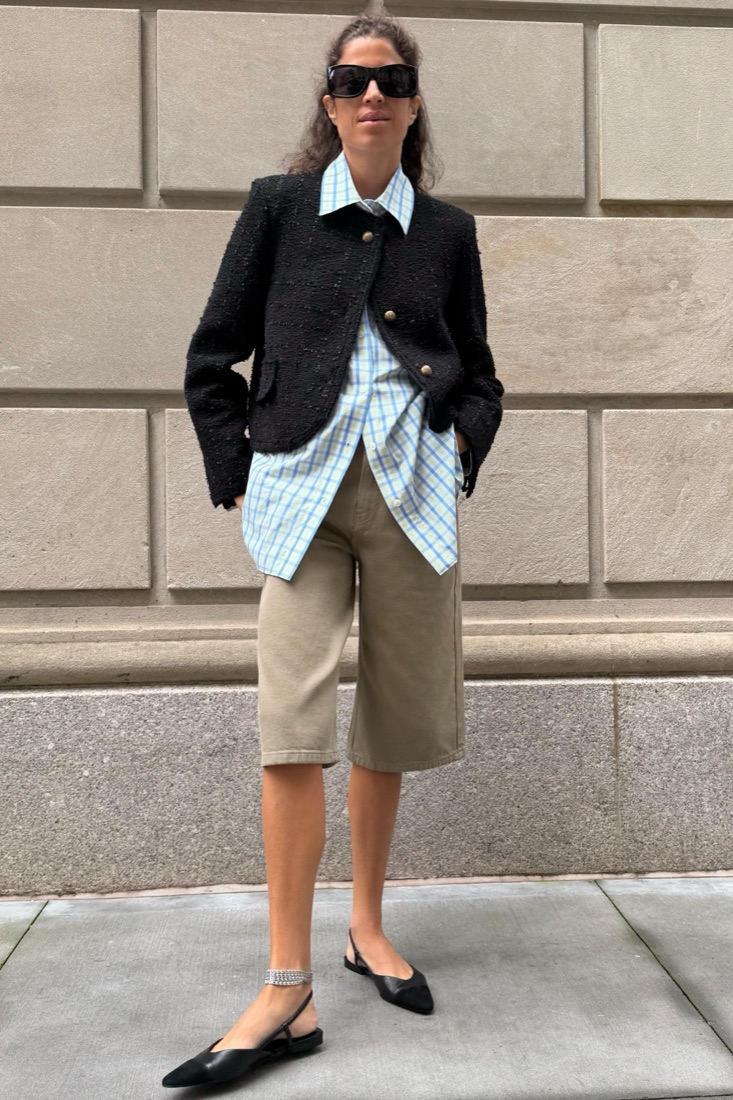
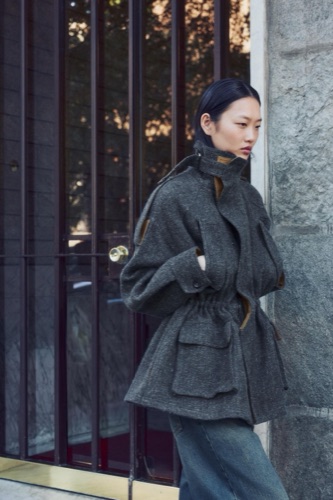
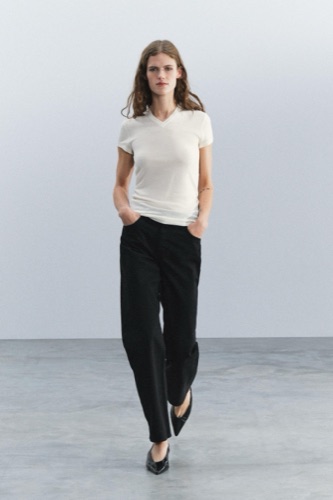
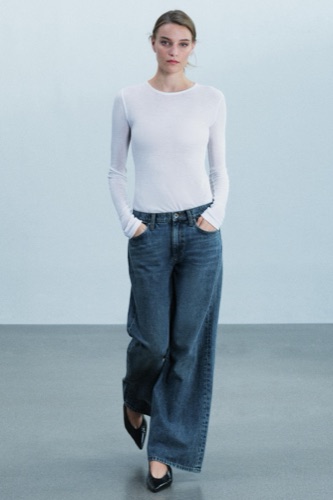
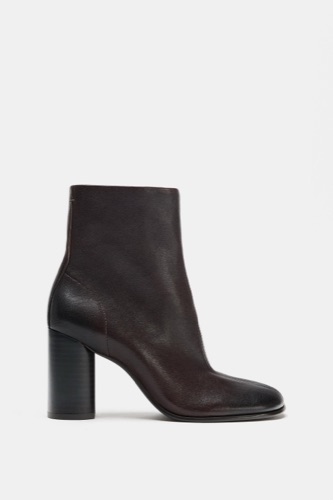
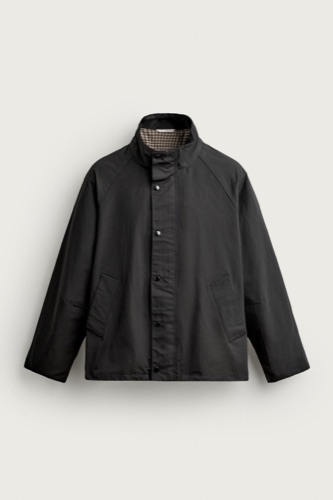
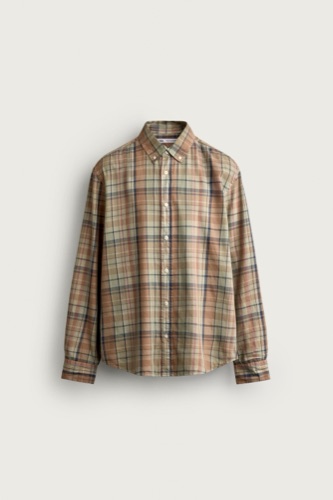
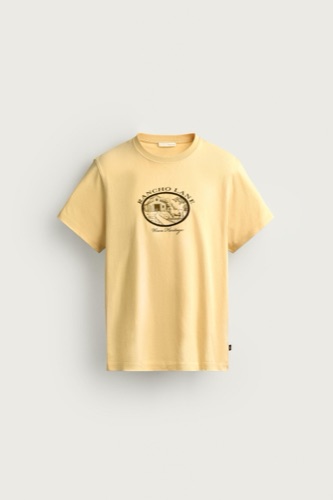
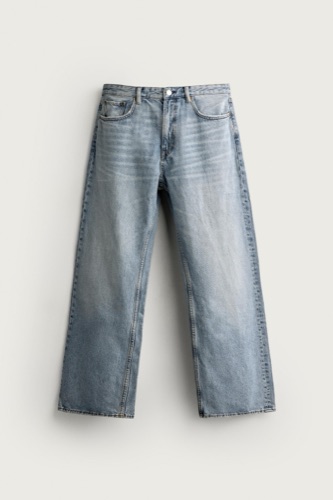
Good try-on uses real product photos. In AwesomeHeap every outfit is built from pieces that exist in shops like Zara, Mango and Nike, so what you see is what you can order, not a garment the AI dreamed up.
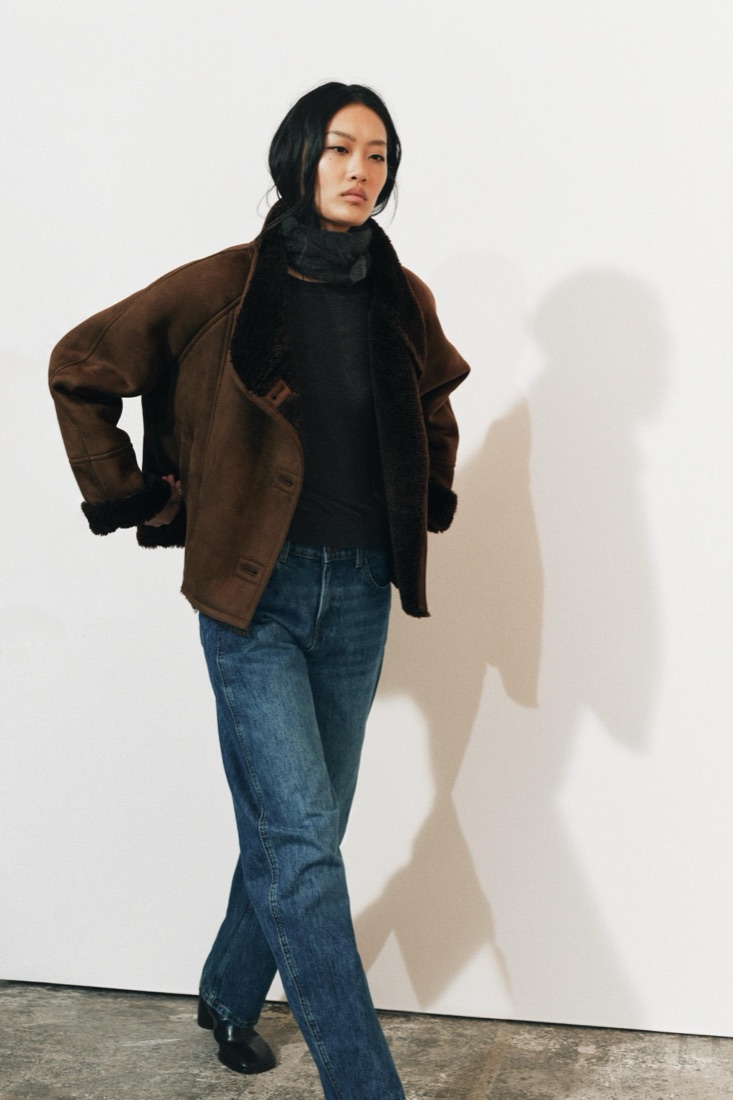
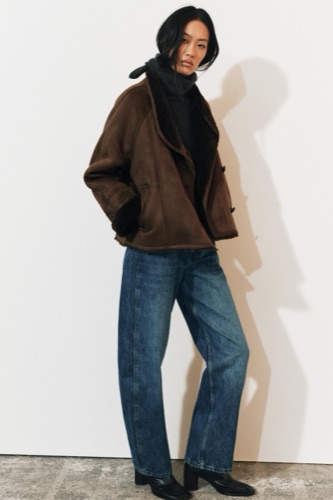
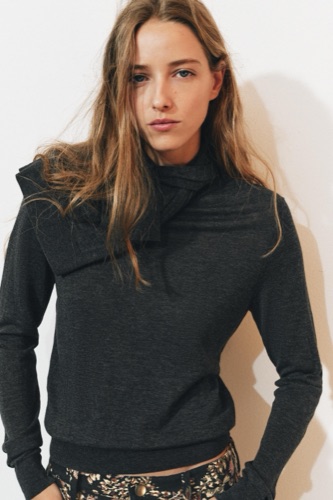
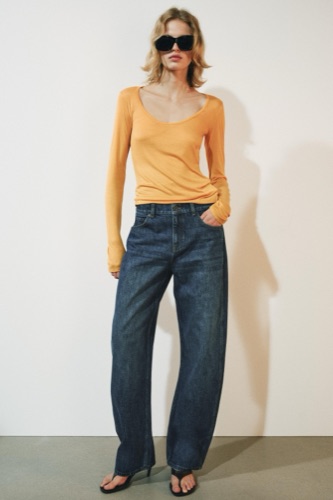
What to expect
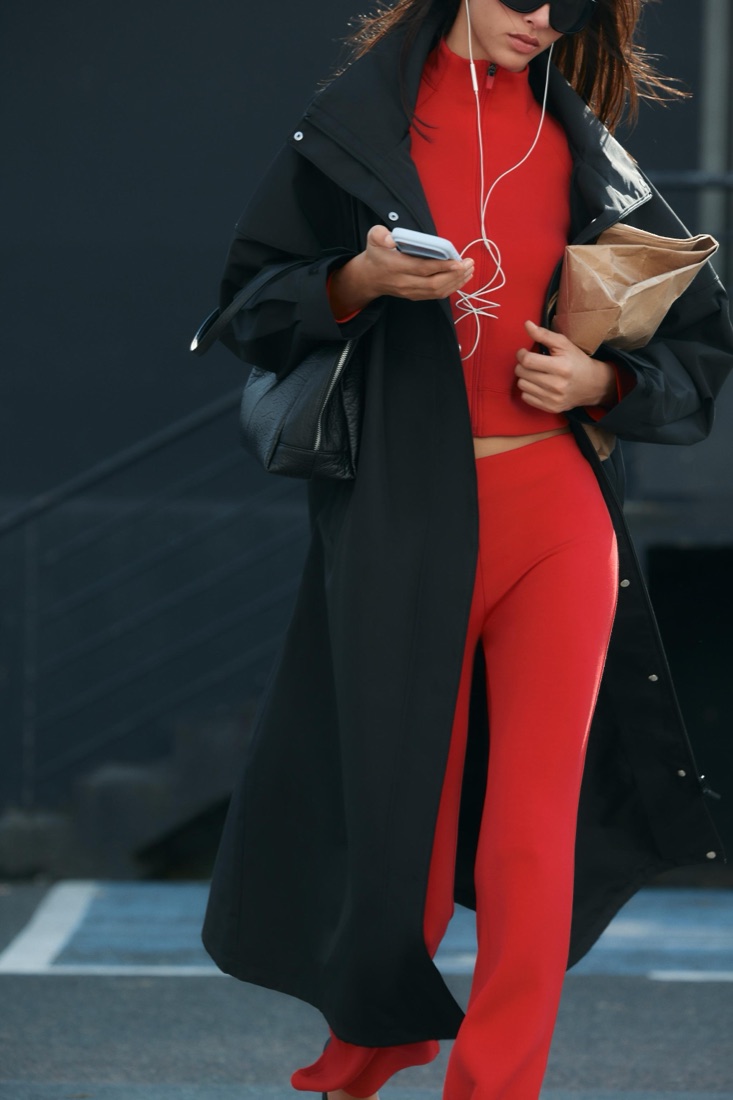
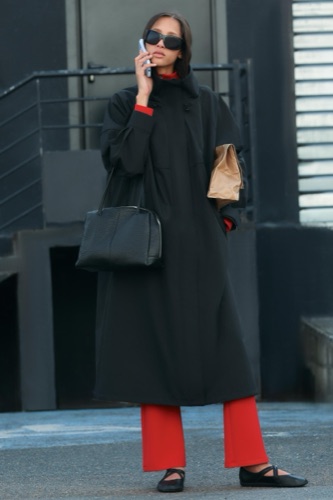
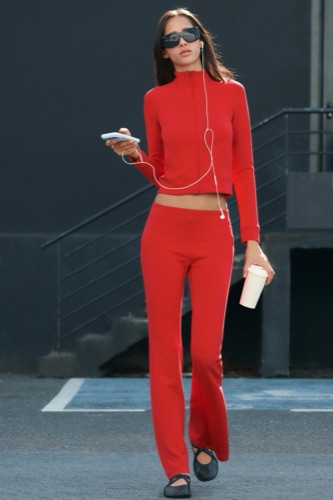
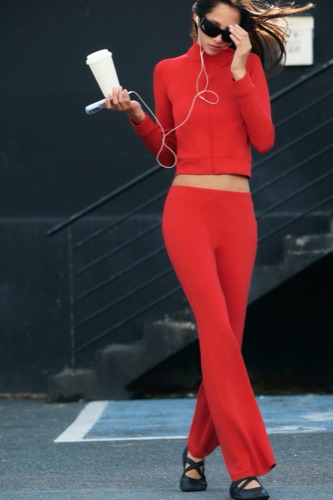
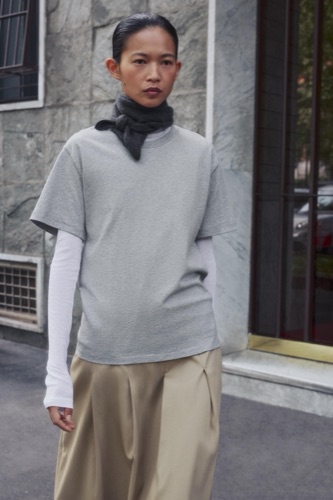
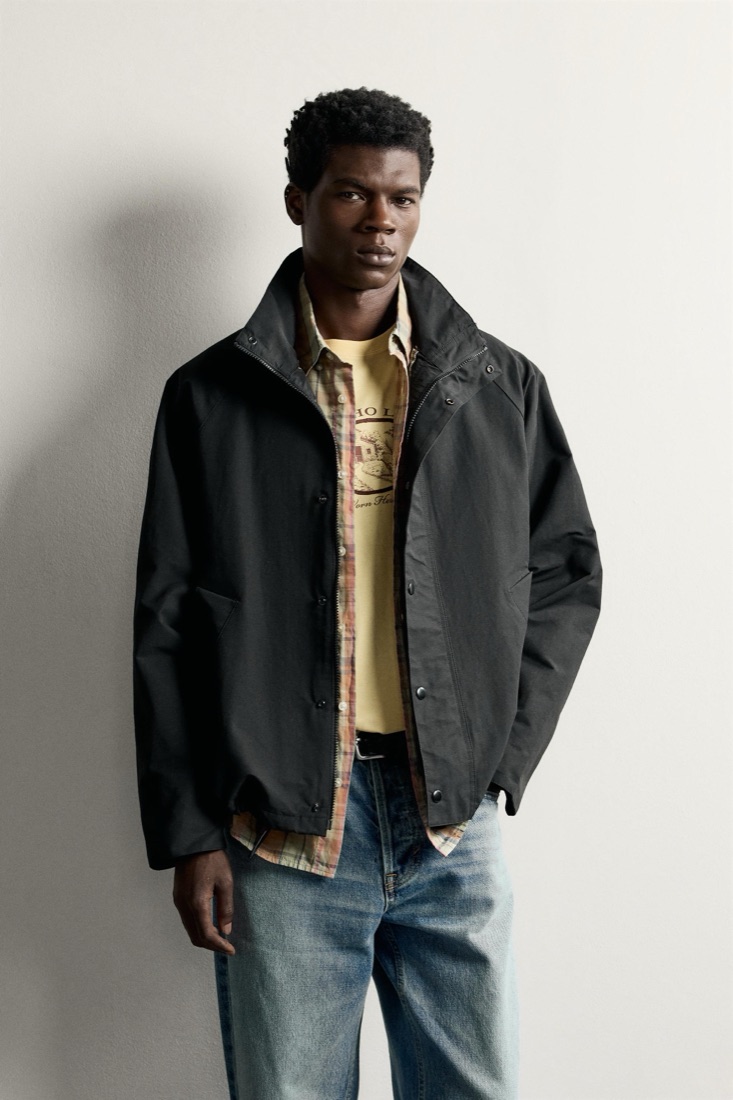
Fit, colour and the overall look come through very well. Fine details like small prints, buttons or exact length can still drift. Use try-on to decide what suits you and what to order, and check the size chart for the final fit.
Tips for better results
Use daylight, a plain background and a neutral expression. Stand straight in the full-length photo with arms slightly away from the body. Wear fitted clothes so your shape is clear.