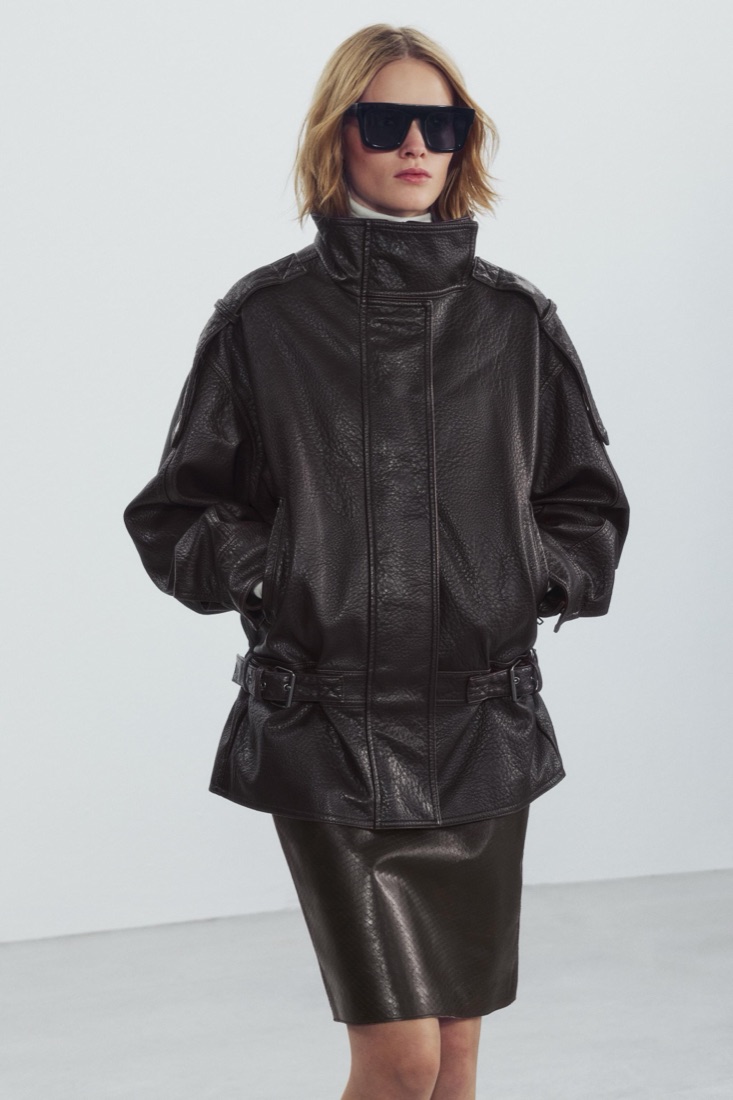
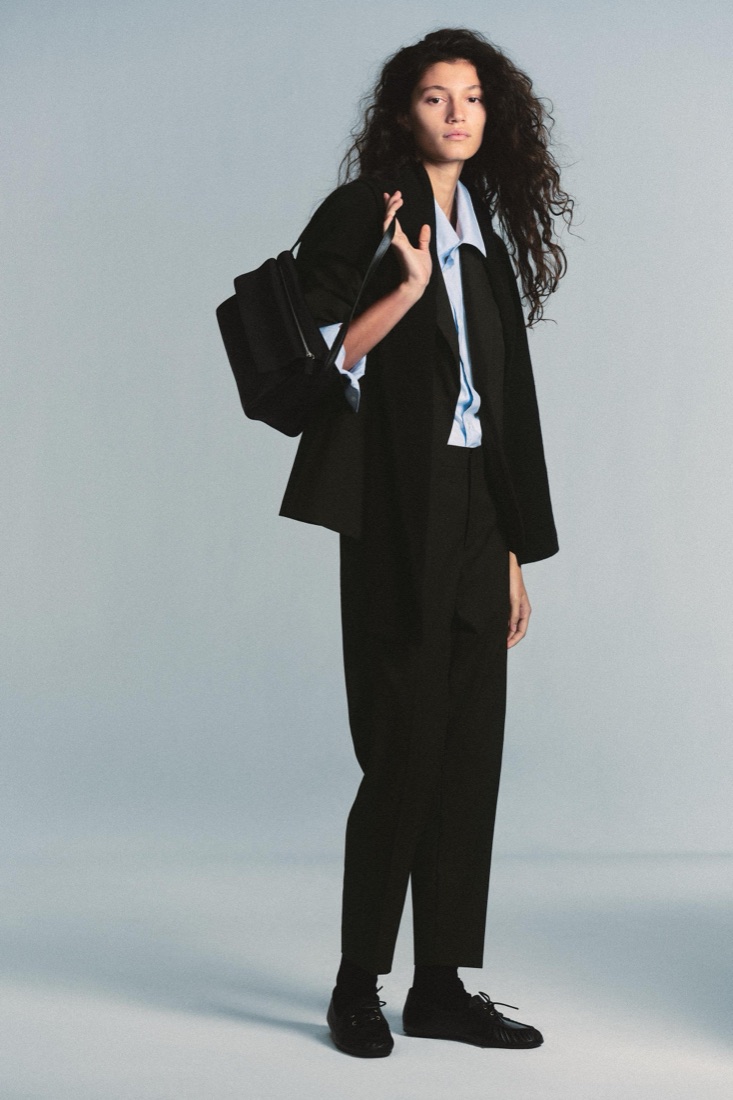
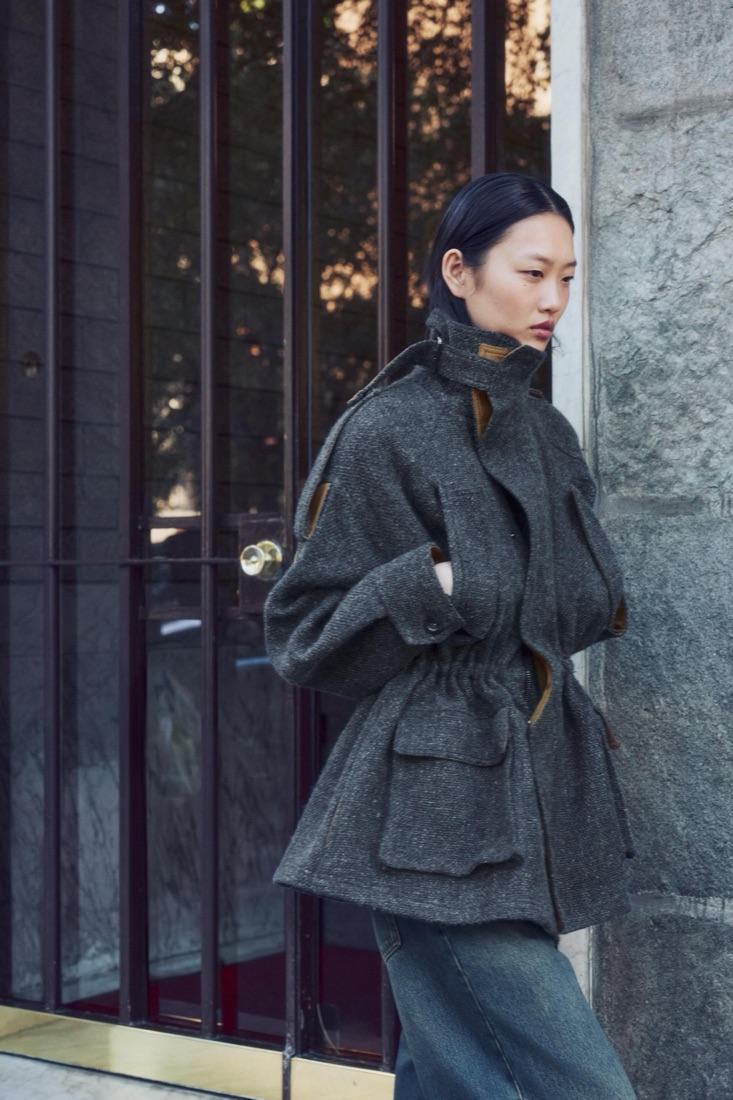
How to try on Zara clothes online before you buy
Want to see how a Zara piece looks on you before ordering? How to try on Zara clothes online with AI, with your own face and figure, and avoid returns.
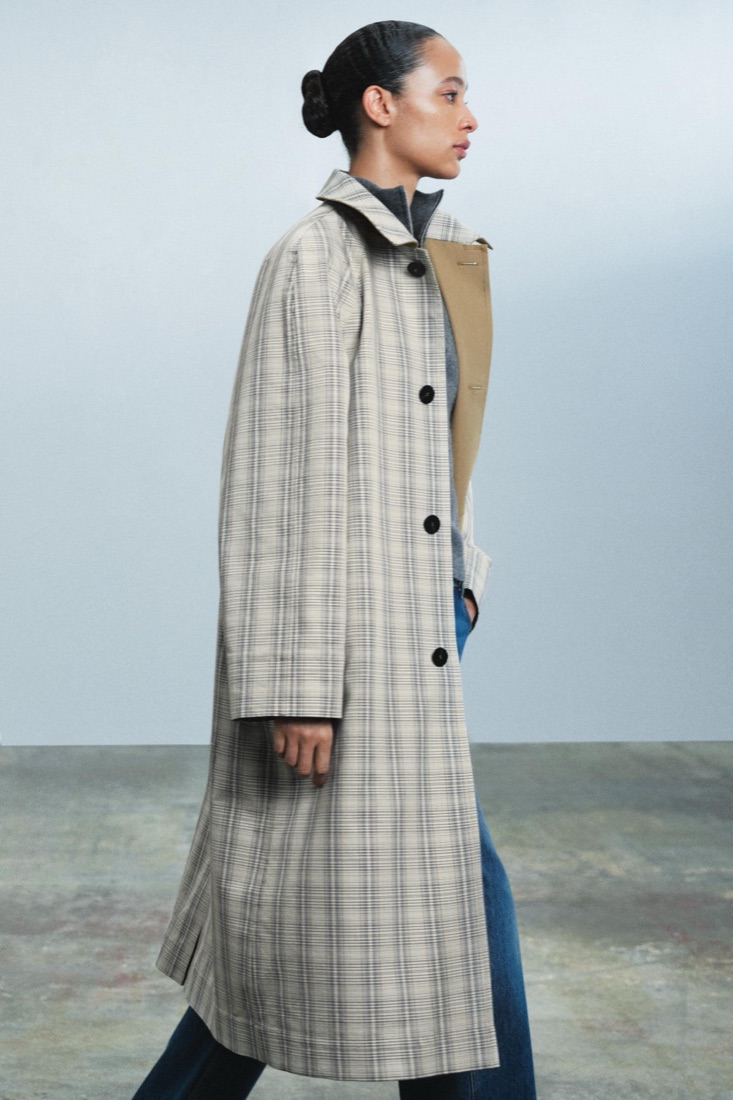
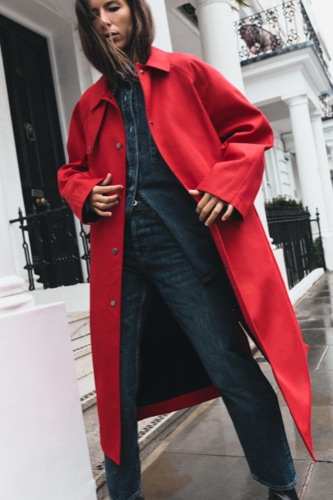
Zara releases new pieces every week, and a big part of every order goes back. The reason is simple: the piece looked different on the model. Here is how to see it on yourself first.
Step by step
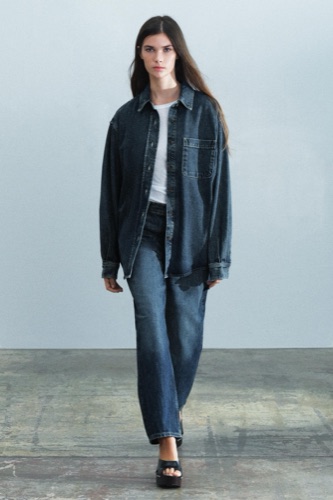
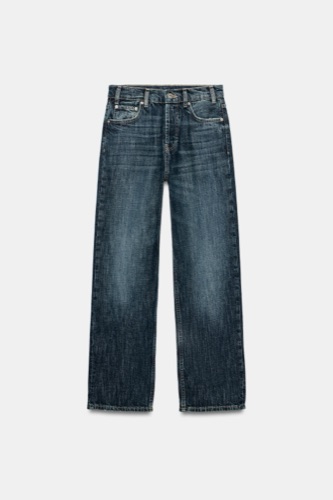
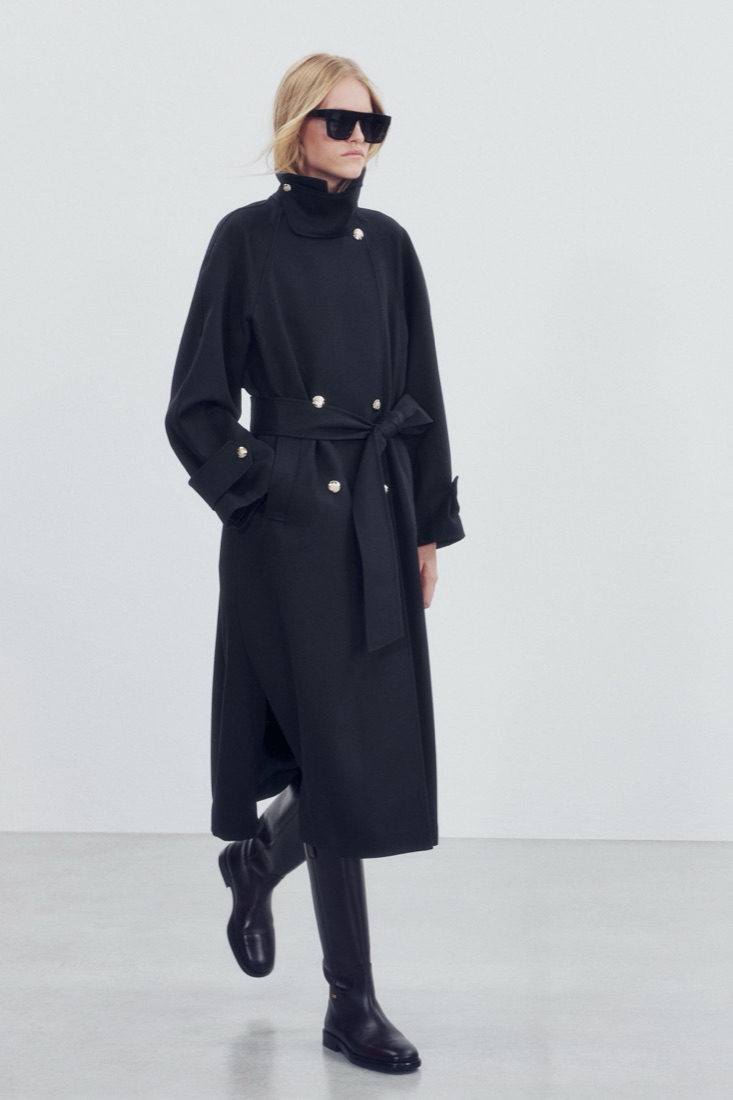
1. Sign in to AwesomeHeap and add a selfie and a full-length photo. 2. Ask for what you want, “a Zara trench for autumn” or “Zara wide trousers with a knit”. 3. Your stylist puts complete Zara outfits on you. 4. Open the shopping list under the look and go to each piece in the Zara shop.
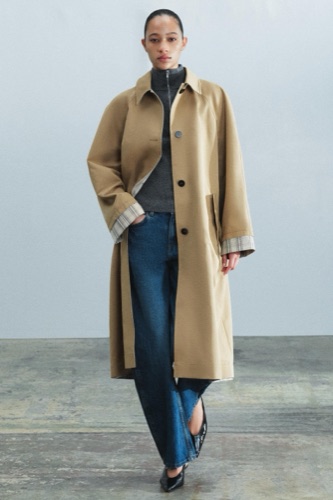
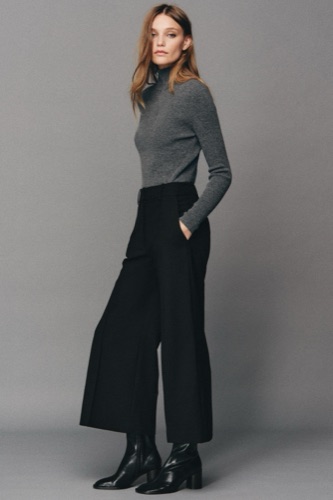
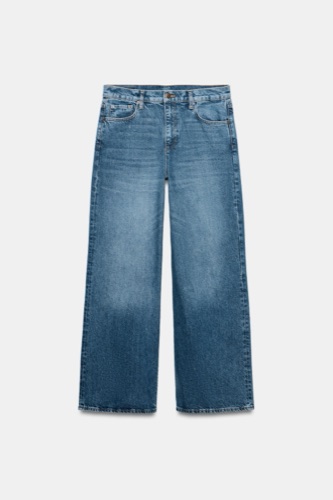
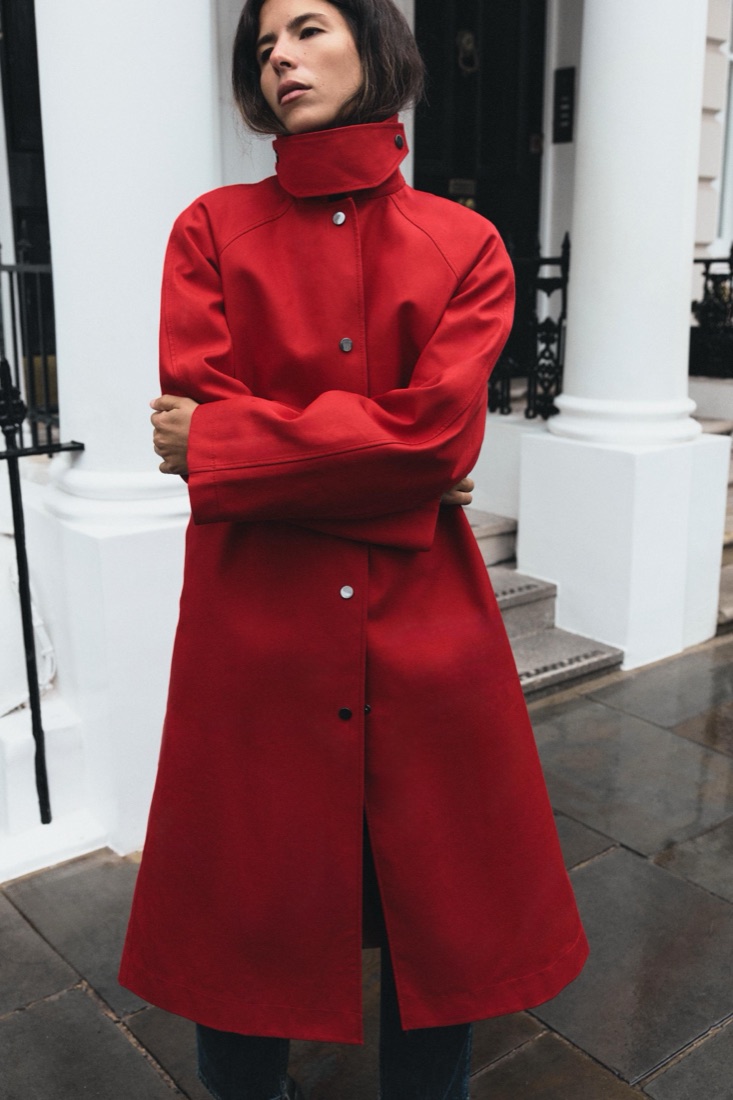
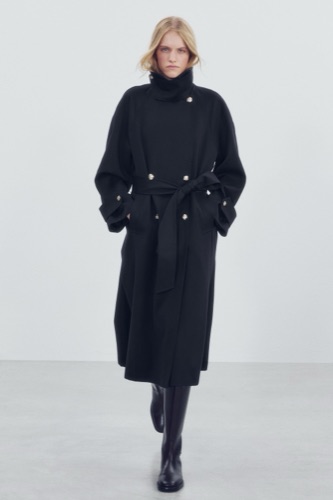
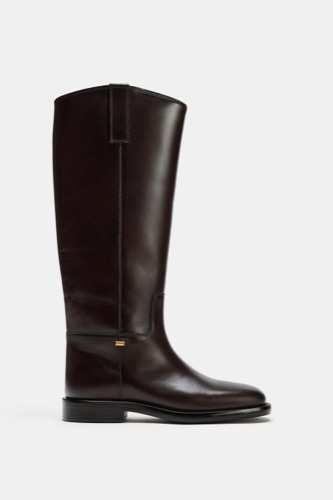
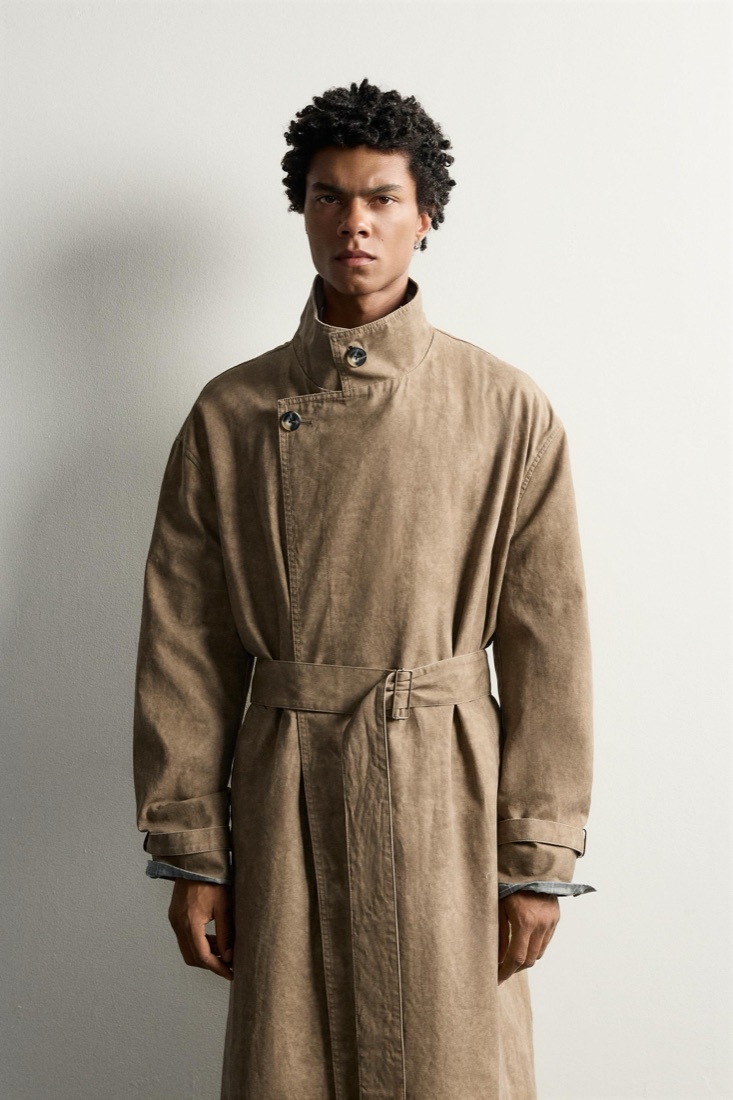
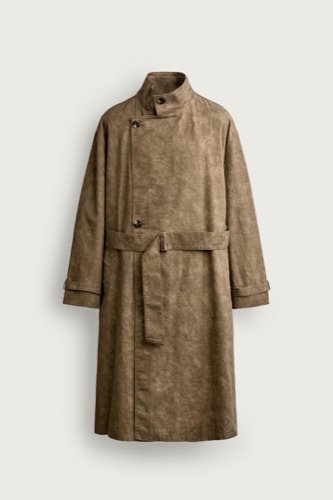
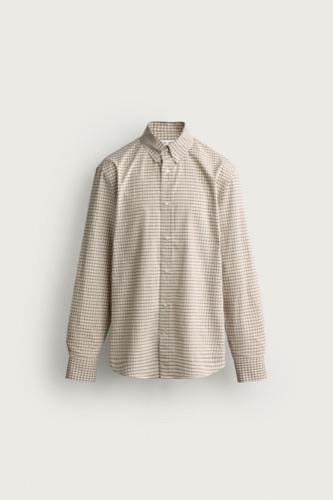
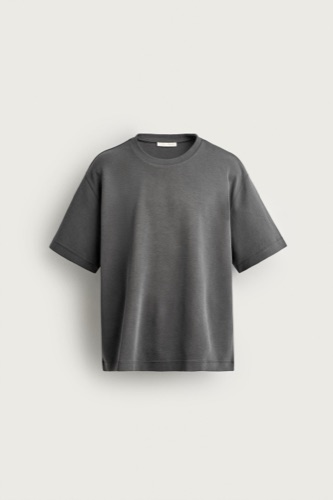
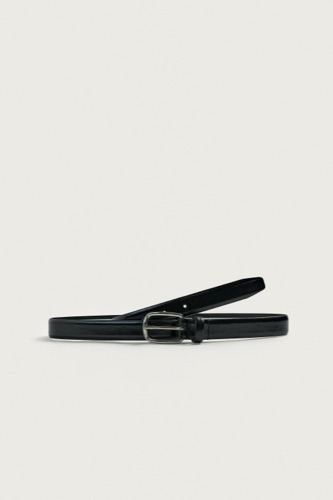
Already have a piece in mind?
Send a screenshot of the product or of a Zara campaign photo. The stylist finds the pieces and puts the outfit on you.
Fewer returns
You still pick the size from the chart, but you stop ordering things that simply do not suit you. That is most returns.